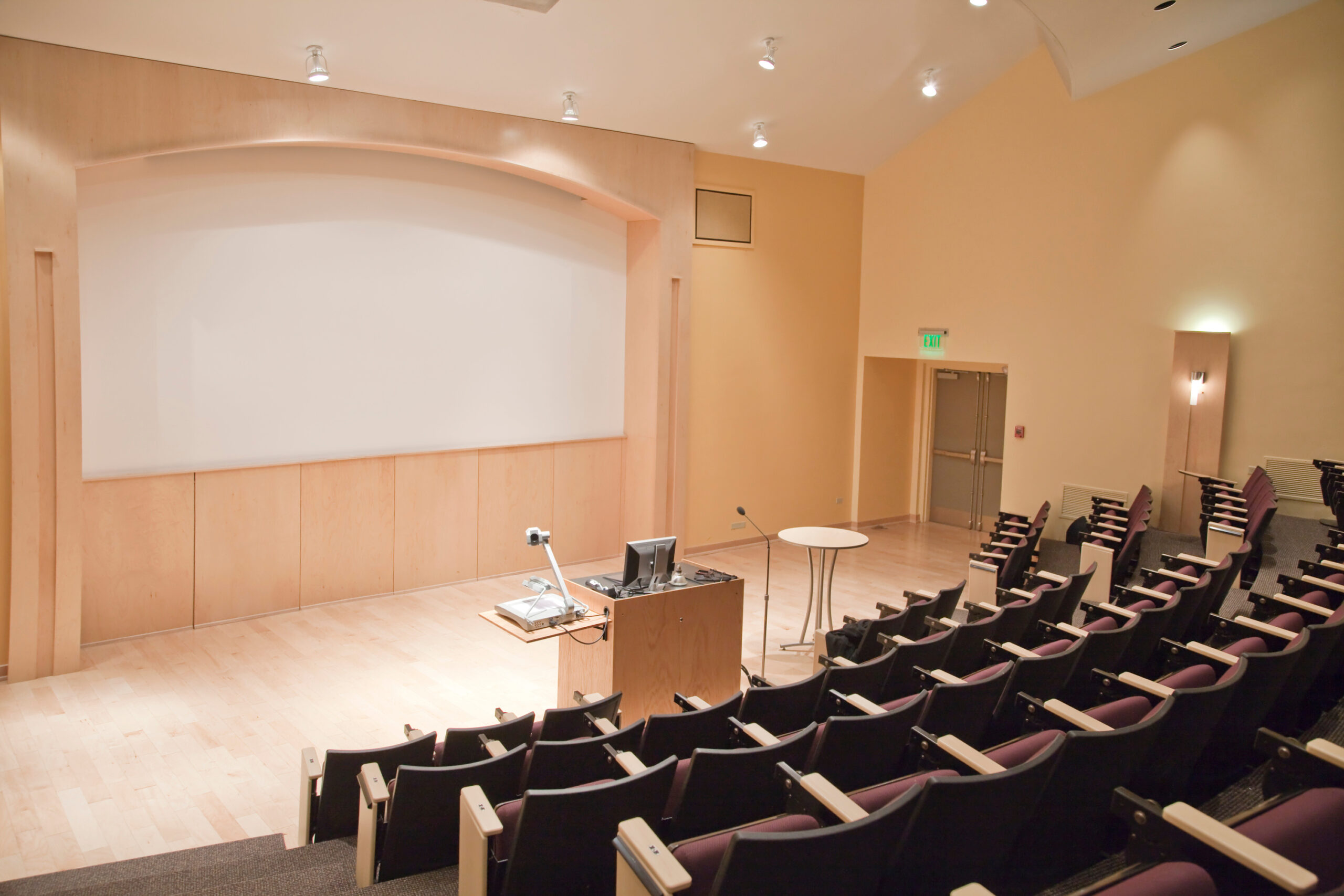
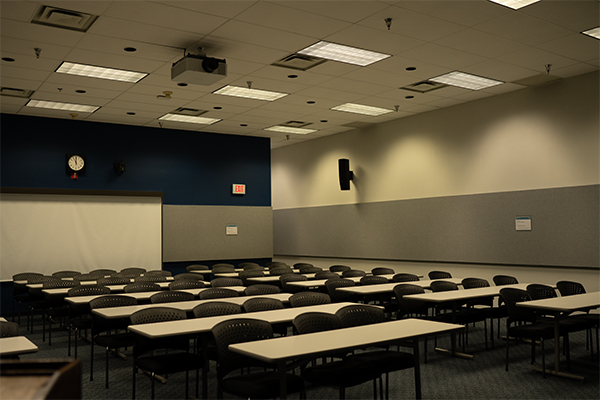
Modern and robust instructional technology can transform a mundane lecture into a dynamic educational experience that engages today’s students.
We know the success of an educational institution hinges not just on the curriculum but on delivering it in a way that resonates with students. And the Platts Company is committed to helping educators achieve just that. With 50+ years of expertise in the educational landscape, Platts is ready to help you integrate instructional technology into classrooms.
Ready to schedule a FREE consultation?
The Challenges of Student Engagement in Higher Education
Student engagement is a puzzle, with the pieces being varying attention spans, diverse learning styles, and the integration of technology. The core of the issue lies in capturing and maintaining the attention of a generation that thrives on interactivity and technological innovation.
To bridge this gap, instructional technology emerges as a game-changer.
Facilitating Visual and Interactive Learning
Enhancing Learning with Functional AV Systems
To elevate student engagement, higher education has seen an evolution in teaching strategies, particularly through the integration of multimedia content. This shift has been instrumental in not only capturing students’ attention but also in boosting retention rates.
A reliable and user-friendly AV (audio-visual) system is crucial in these interactive learning environments, as it empowers instructors to effectively present complex topics. For educational institutions, the emphasis lies in ensuring that instructional technology — be it screens, projectors, or sound systems — functions seamlessly, thereby enhancing the educational journey without unnecessary complexity.
Projecting Concepts in High-Definition
We know higher education institutions are mindful of budget constraints, especially when investing in AV technology.
When selecting projectors, aim for standardization, preferring models that offer an optimal mix of brightness, clarity, and durability to serve diverse classroom settings. This careful selection ensures that future instructional technology upgrades align with existing infrastructure, maintaining uniformity in the educational experience campus-wide. By implementing AV upgrades in phases, colleges invest smartly, choosing units that will set the standard for subsequent refresh cycles, thus guaranteeing consistency and quality in student learning outcomes.
Capturing Attention with Superior Audio Solutions
Optimizing Microphone Performance in AV Systems
Optimizing microphones extends beyond just selecting high-quality equipment. The real impact comes from proper configuration and integration within the existing setup. Considering the acoustics of lecture halls, the content being delivered, and the teaching methods, expert calibration is key. This ensures that every word spoken is clear and audible in various learning environments, which is essential for student engagement and comprehension.
Amplifying Voices for Clear Communication
In instructional technology, a well-designed audio system lies in the meticulous tuning and integration of the sound setup. Ensuring that audio components are matched to the specific acoustics and dimensions of each lecture hall is critical. By focusing on a system that is fine-tuned for clear communication, educators can significantly enhance student focus and understanding, improving the clarity of lectures.
This tailored approach to sound quality is what elevates a functional AV system into a transformative teaching tool.
Minimizing Distractions with Control Systems
Control systems are about creating a space where technology is an enabler, not an interruption. They allow educators to seamlessly switch between video, audio, and interactive inputs, reducing potential distractions. With intuitive interfaces, these systems enable teachers to focus on instruction rather than managing the technology.
By simplifying the control of various instructional technology elements, control systems facilitate a smooth and uninterrupted flow of teaching, ensuring students remain engaged with the content rather than the technology itself.
Partnering with Platts for Engaging Instructional Technology
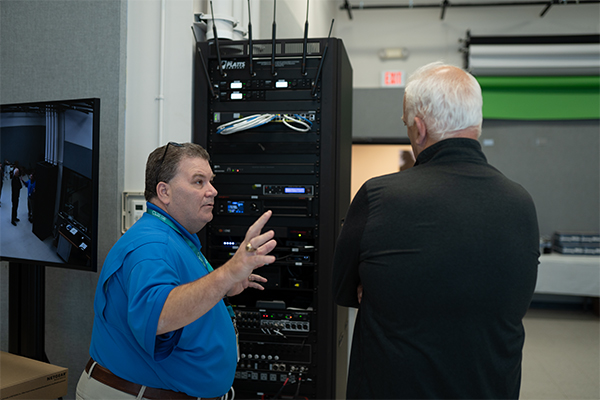
The Platts Company specializes in customized instructional technology that align with the industry’s best standards.
We pride ourselves on our history of collaboration with institutions, ensuring technology refreshes are strategically planned and executed without disrupting the academic calendar.
Our track record of reliable service is backed by secured state contracts in Georgia, North Carolina, and South Carolina. These contracts reflect our commitment to quality and seamless integration of industry-leading, budget-conscious technology.
To elevate your institution’s learning environment with cutting-edge instructional technology, schedule a FREE consultation.